New in Nuclino: Mobile app improvements, more highlight colors, audio blocks, and more

We've got quite a few updates to share this time around, including improvements to the mobile experience, new ways to work with audio and video, a faster and more reliable Sidekick, and plenty of polish across everyday workflows.
Here's what's new.
Mobile app improvements
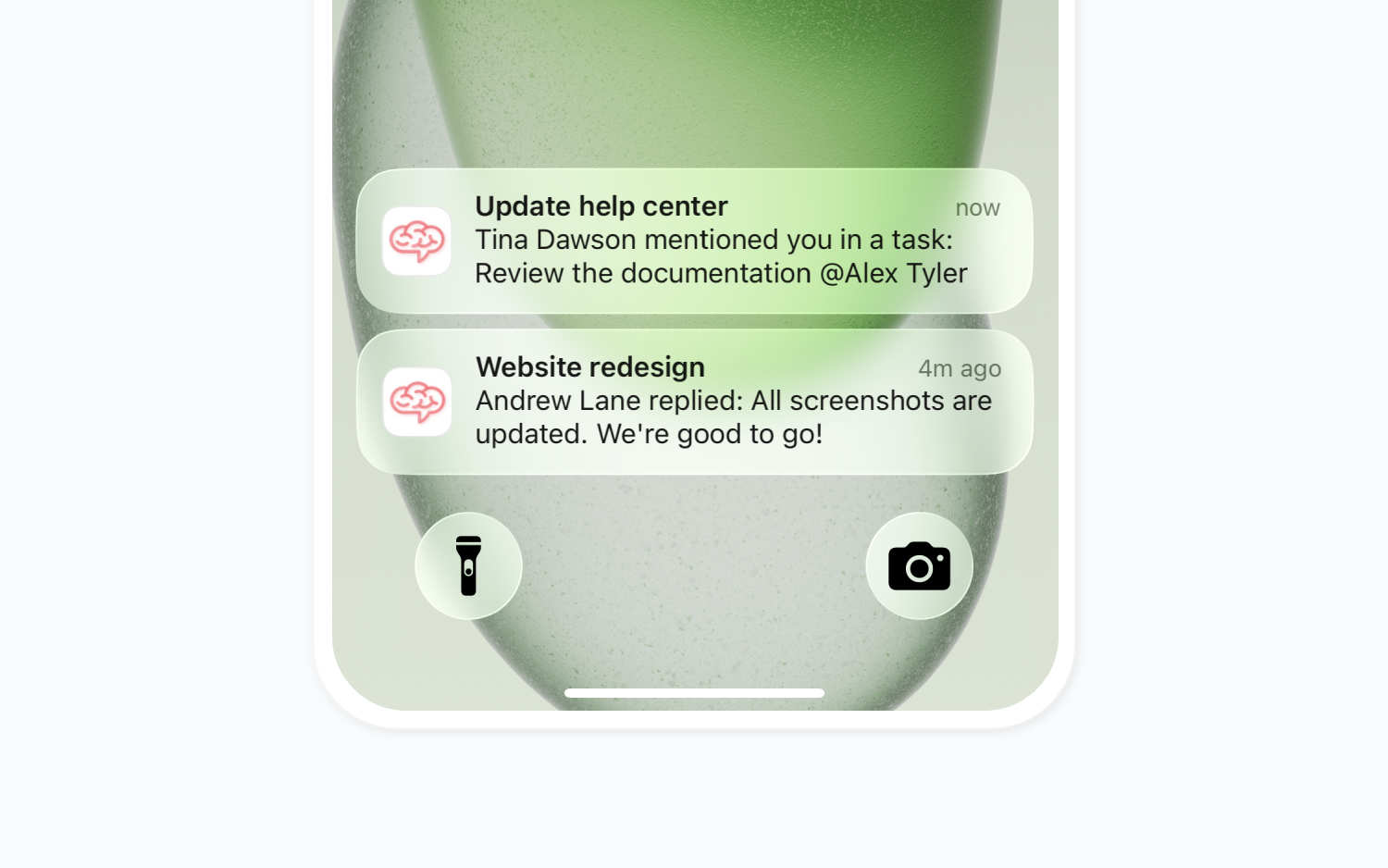
Mobile push notifications are now available! Once enabled in Preferences, they let you know about mentions, comments, replies, and reminders when you're away from Nuclino.
The apps follow your device's light or dark theme more consistently.
File downloads are more reliable and show their progress more clearly.
You can now sign in with SSO through your browser on mobile.
We fixed an issue that could log you out of the iOS app if you hadn't opened it for a while.
The iOS app starts faster, and both apps recover more reliably from interrupted connections or loading errors.
Android now supports fullscreen video playback and easier photo uploads.
The updated apps require iOS 15.4 or later or Android 10 or later. You can download them from the App Store and Google Play.
Better notifications
Desktop and mobile notifications now give you more context, showing the item name and the relevant message. Related updates are now grouped together, for example, when someone replies or reacts to a comment and then resolves or deletes the thread.
More highlight colors
There are more text highlight colors to choose from, plus a new marker-style effect that looks more like a real highlighter on the page.
.png)
More ways to work with audio and video
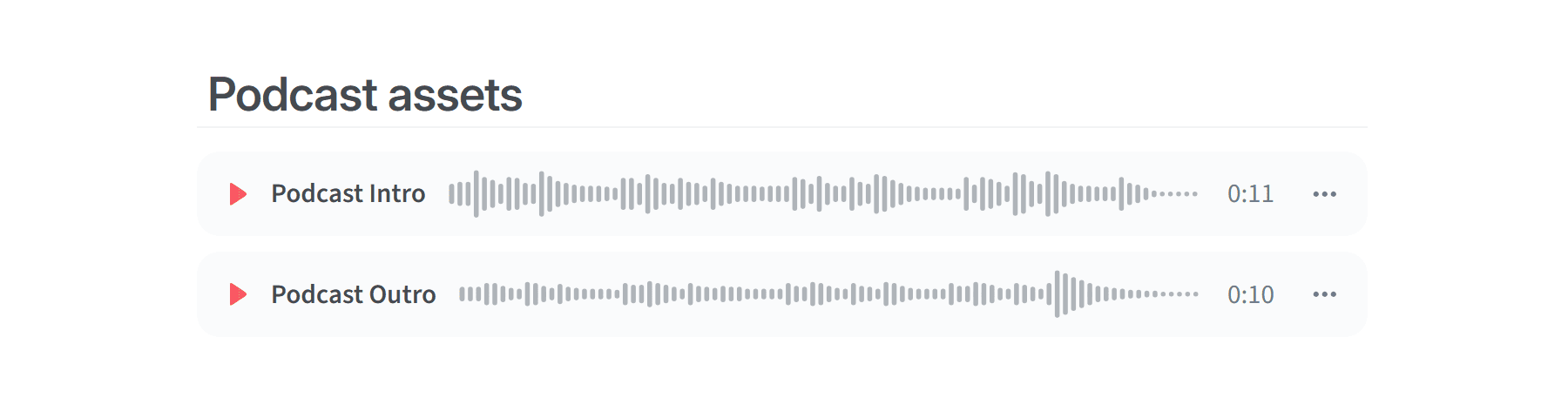
You can now upload audio files directly to Nuclino. Audio blocks support MP3, M4A, WAV, and FLAC files, with a waveform player and playback speed controls.
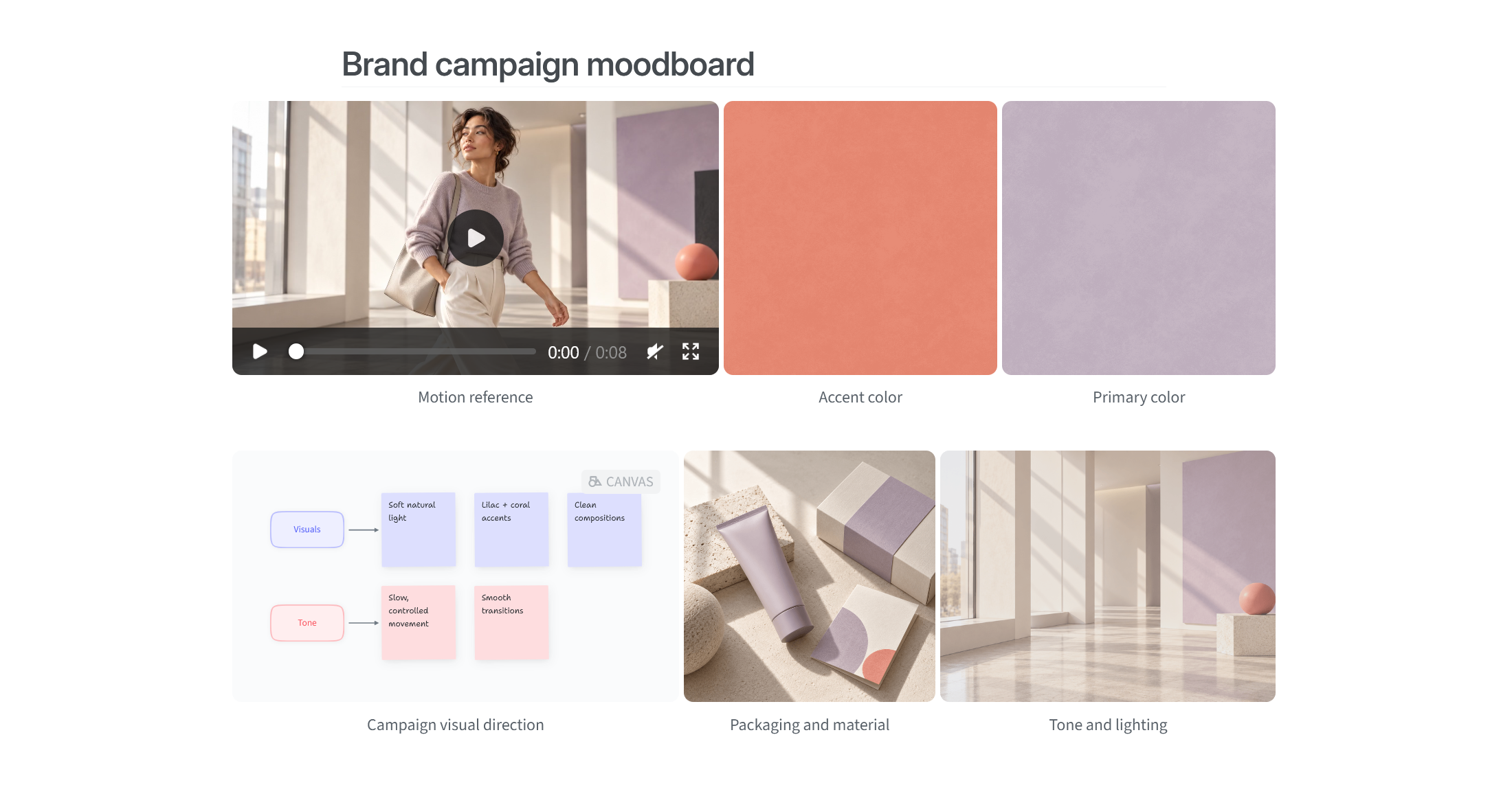
There are a few improvements for videos as well. Now they can be placed in grids alongside images and Canvases, and you can add captions to them.
Faster, more reliable Sidekick
Sidekick now responds about 35% faster.
If Sidekick can only find part of the answer in your content, it answers what it can and tells you what's missing.
Replies now match the language of your question, even if the source content is in another language.
When summarizing or rewriting text, Sidekick does a better job of keeping the original language and formatting.
Sidekick now takes the current date into account, helping it identify the most up-to-date information.
Typing indicators in comments
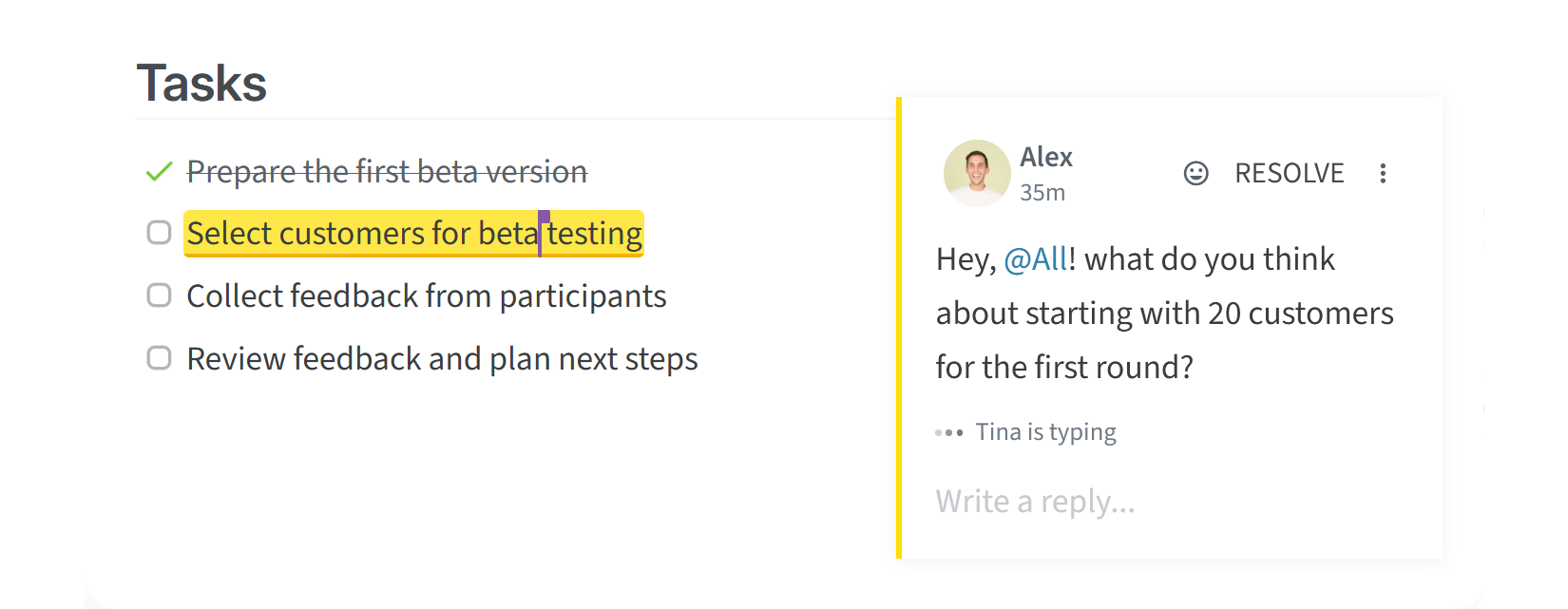
You can now see when someone is writing a comment, so you know when a response is on its way.
Improved equations and Mermaid diagrams
We've made equations and Mermaid diagrams easier to work with in a few different ways:
You can now add captions to equations, Mermaid diagrams, and embeds.
Equations can be opened fullscreen, with more room for longer formulas, a live preview, and zoom controls.
Equations in Word exports stay editable instead of appearing as LaTeX code.
Copying and pasting equations and Mermaid diagrams now keeps their code intact, including when moving them between items.
Wide equations shrink to fit instead of getting cut off.
Mermaid diagrams now use an updated version of Mermaid with improved layouts.
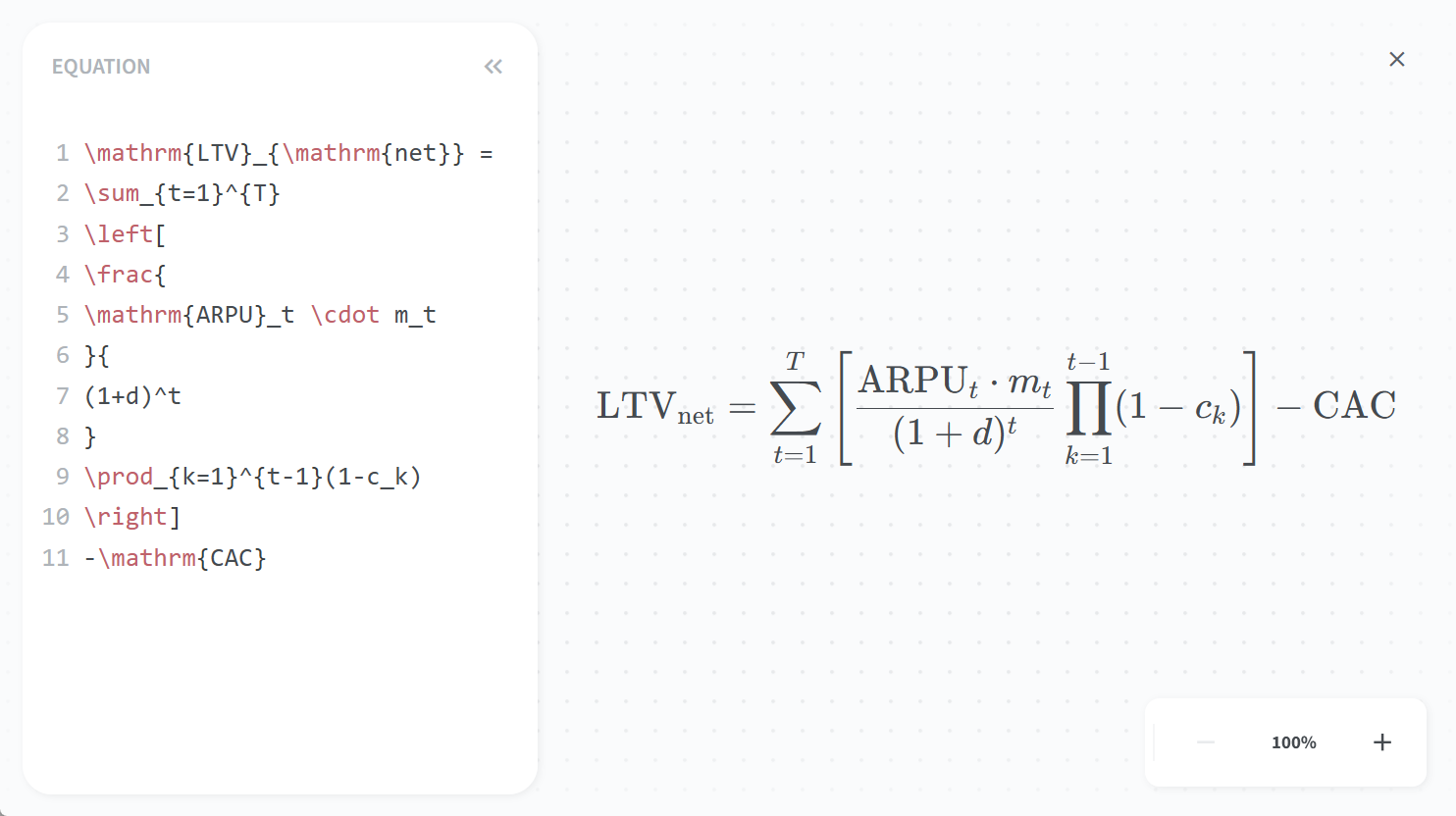
More actions at your fingertips
The command palette now gives you quicker access to more actions, including sharing items, moving collections, exporting content, opening templates, and inviting teammates. You can open it by pressing Ctrl/Cmd + Shift + P (or Ctrl/Cmd + Shift + K in Firefox).
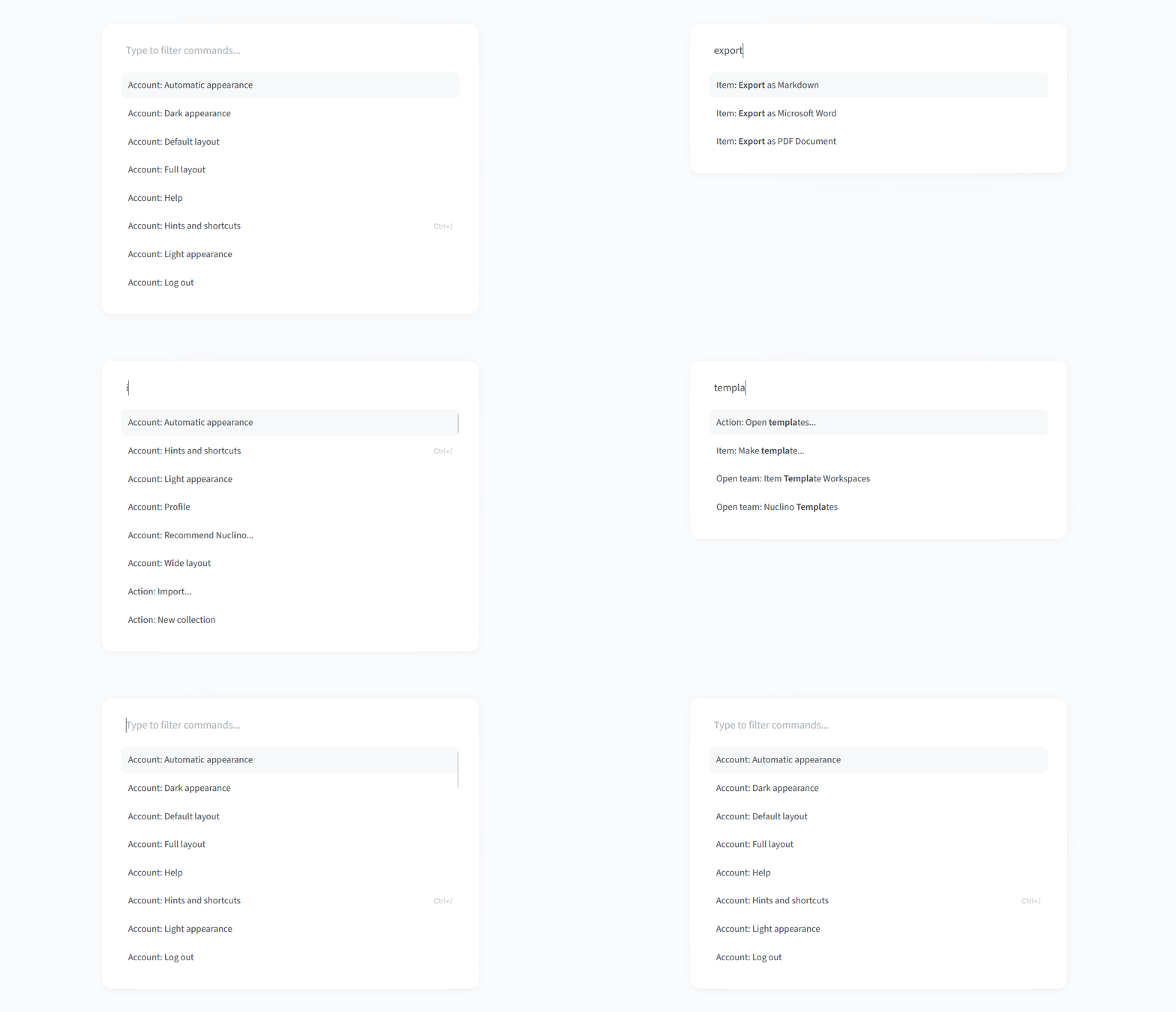
Slash commands are quicker to navigate too. Apps, callout types, and Sidekick options now appear directly in search instead of requiring you to open their submenus first.
Import from Notion
Moving from Notion is now much simpler. You can import an entire workspace or selected pages from an HTML export, including supported properties and attached files.
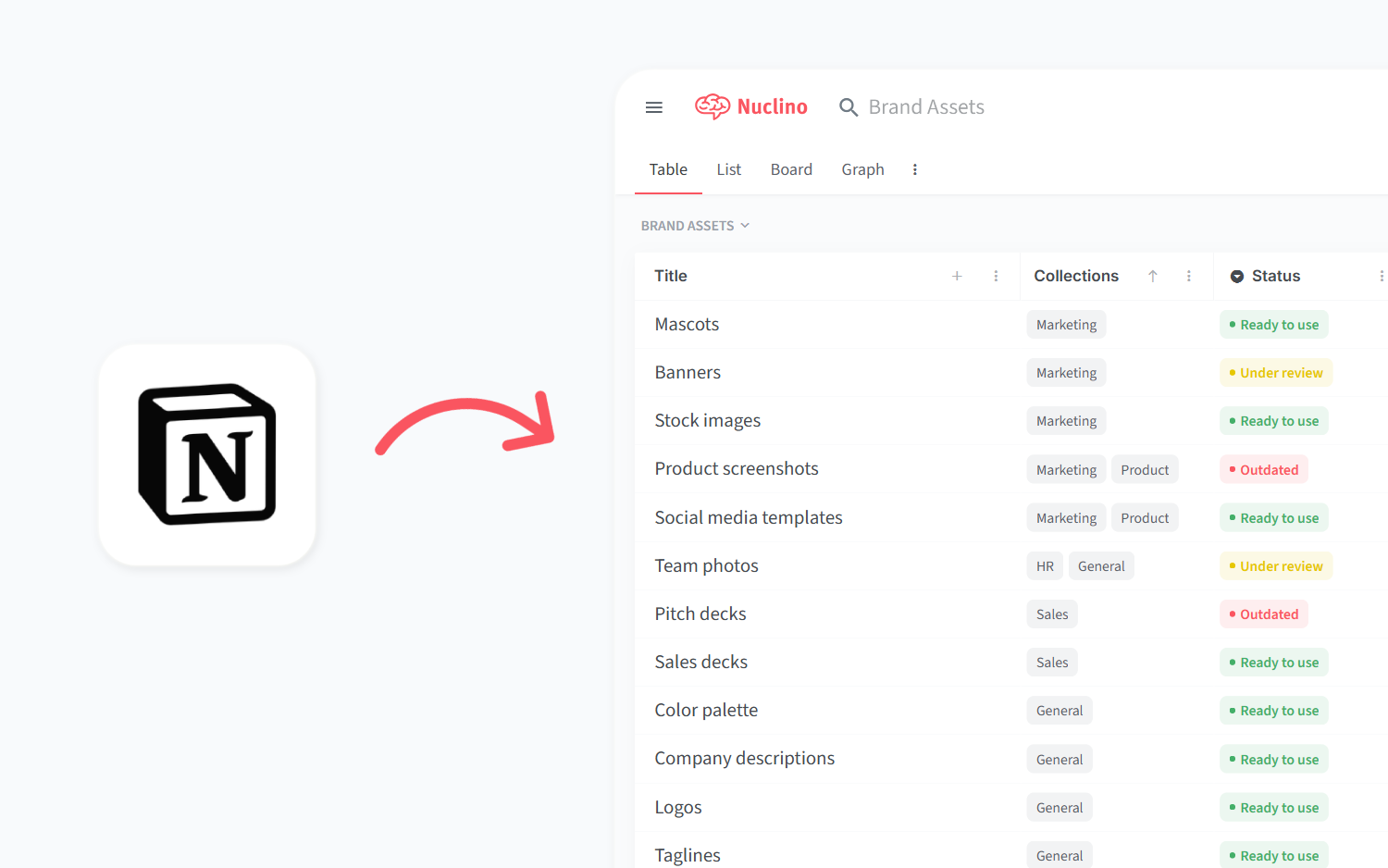
Other small but impactful changes
Large Canvas boards open faster and stay smoother while you pan, zoom, move shapes, or select objects.
Visitors to shared items and published workspaces can open images, Canvas boards, Mermaid diagrams, and equations fullscreen and zoom in for a closer look.
Columns in tables can now be reordered by dragging or using the context menu. Several rows can be moved together, too.
The date picker now lets you jump between years faster when choosing dates further in the past or future.
When you paste code into a Plain Text code block, Nuclino now tries to detect the language automatically.
The API and MCP can now create and update workspaces, upload files, access version history, and make more precise content edits.
Team owners and admins can now choose which Nuclino updates are posted to connected Slack, Microsoft Teams, and Discord channels.